

- Getting Started
- Time Tracking
- Monitoring & Productivity
- Desktop Timer Application
- Work Management
- Time Off & Scheduling
- Reports & Finance
- Administration & Settings
- API
- FAQ
Integrations
Slack Integration
Dernière mise à jour :
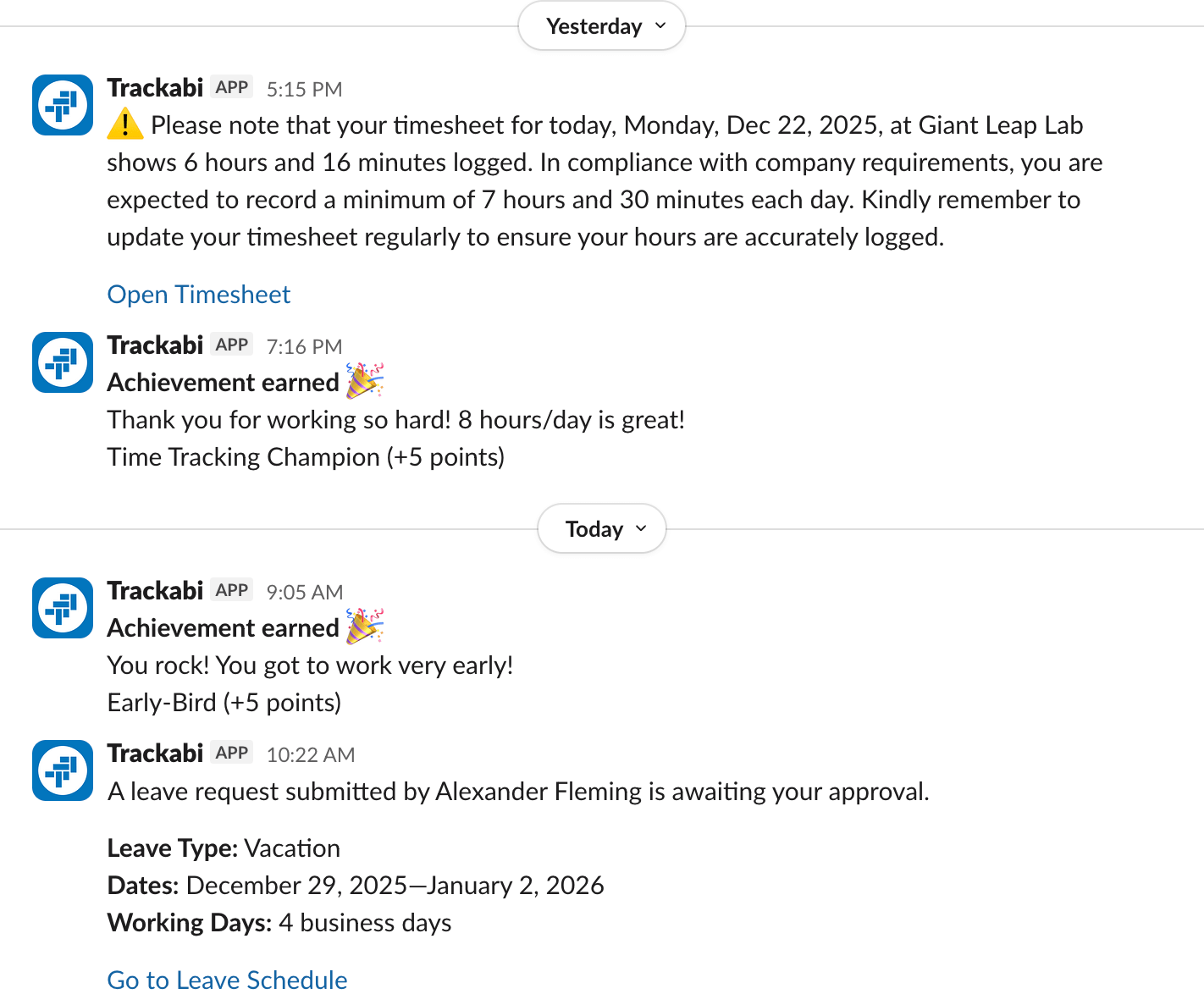
You can connect your Slack workspace to your Trackabi account to receive various notifications directly in Slack. For example, users may get messages about leave requests and approvals, alerts about missing time, earned achievements, and more.
Important: Make sure that the email addresses of your Slack users match those used in Trackabi. Otherwise, the system will not be able to deliver direct messages.
To connect Slack
- Go to Settings > Notifications.
- Click Connect Slack.
- In the “Where should Trackabi Time Tracking post?” dropdown, select any common channel.
Trackabi currently does not send shared notifications visible to all users. The only message that will appear in the selected channel is the confirmation of the Trackabi App connection.